AI tutor privacy for kids: how Privacy Guard keeps your child's identity out of AI models
AI tutor privacy for kids starts with keeping identity out of the model. Here is what Privacy Guard redacts and pseudonymizes before any AI call, and why we built it first.
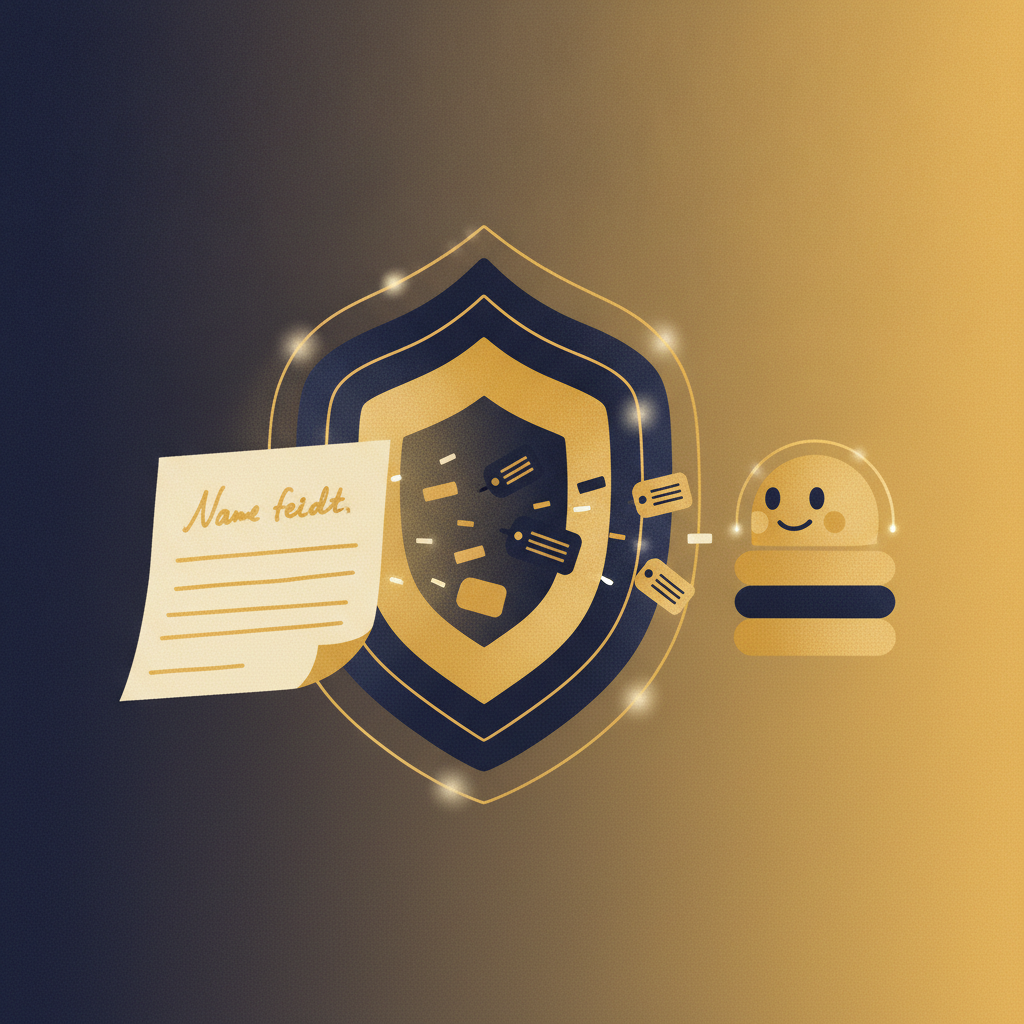
AI tutor privacy for kids means one thing above all: your child's real identity should never reach the AI model. Privacy Guard is the layer in Sorin that strips out names, locations, and other identifying details, then swaps in stand-in labels before any message is sent to an AI system. The model helps with the math or the essay. It never learns who your child is.
I am Nick, and I build the safety side of Sorin. We wrote Privacy Guard before we wrote the tutoring features, because the order you build things in tells you what you actually care about. Here is what it does and why.
The problem: children say too much to chatbots
Kids type the way they talk. A ten-year-old asking for homework help will mention her school by name, the street she lives on, her little brother, the town soccer team, and the fact that mom works late on Thursdays. None of that is needed to solve a fractions problem. But a general-purpose chatbot receives all of it, and that raw text can be logged, retained, or used to train future models.
That is the gap most AI tools leave open. They are built to accept whatever you send and keep it. For an adult making a conscious choice, that is one thing. For a child who does not know what a training dataset is, it is a real risk. If you want the wider view of what is and is not worth worrying about, we wrote a parent's guide to whether AI is safe for kids.
What Privacy Guard does before any AI call
Every message a child types passes through Privacy Guard first, on our side, before it goes anywhere near an AI model. The step happens in milliseconds and the child never sees it. Here is what gets handled.
Redaction: removing what should never travel
Some details have no business reaching a model. Privacy Guard detects and removes:
- Full names and nicknames tied to a real person
- Home address, street names, and precise locations
- School and teacher names
- Phone numbers and email addresses
- Anything that reads as a direct identifier of the child or a family member
Those are stripped out, not stored alongside the message and quietly forwarded. They are removed from the text that leaves our system.
Pseudonymization: keeping the lesson coherent
Straight deletion would break the tutoring. If a child writes "my sister Maya keeps taking my calculator," the model needs some placeholder to keep the sentence readable. So Privacy Guard replaces real identifiers with consistent stand-in labels. "Maya" becomes something like "[sibling]" for that session. The model gets enough structure to give a sensible answer, and none of the real names.
The key word is consistent. Within a session, the same person maps to the same label, so the tutoring still makes sense. Across sessions, the mapping does not persist as a profile the model can reassemble.
The model never sees the raw version
This is the part that matters most. The AI model receives the cleaned text only. There is no separate channel where the original goes through untouched. If a redaction happens, the redacted version is the version the model works from.
Why we built this first
Most teams build the impressive feature first and bolt on privacy later, once the product looks good in a demo. We did it the other way. Privacy Guard existed before the tutor could answer a single question, because retrofitting privacy onto a system that was designed to hoard data almost never works. You end up patching leaks instead of preventing them.
Building it first also forced a healthier design. The tutoring engine had to learn to work from anonymized input from day one. It never developed a dependence on knowing who the child is, because that information was never available to it.
What Privacy Guard does not do
Honest software has limits, so here are ours. Privacy Guard is not a promise that a child can never type something risky. It reduces what reaches the model and what could be retained downstream. It does not read your child's mind or replace your judgment about what your child is ready to use online.
It also is not the whole safety story on its own. Privacy Guard handles identity. Separate systems handle content moderation, and the parent-facing controls handle oversight.
How this connects to the controls you can see
Redaction happens under the hood, so we pair it with things you can actually check. You get transcripts of your child's sessions, so nothing about what happened is hidden from you. You get alerts when something needs your attention. And you hold deletion controls, so the data that does exist is yours to remove.
Privacy Guard is the invisible layer. The transcripts and controls are how you verify the invisible layer is doing its job. Both matter, and neither is enough alone.
If you want to talk with your child about what AI actually is while you set this up, our age-by-age scripts for explaining AI to a child give you plain language for ages 6 to 15.
FAQ
Ready to try Sorin with your child? Get started free →