
How to explain AI to a child: age-by-age scripts (ages 6-15)
How to explain AI to a child, ages 6 to 15. Plain age-by-age scripts and conversation starters that frame AI as a tool, not a friend or an oracle.
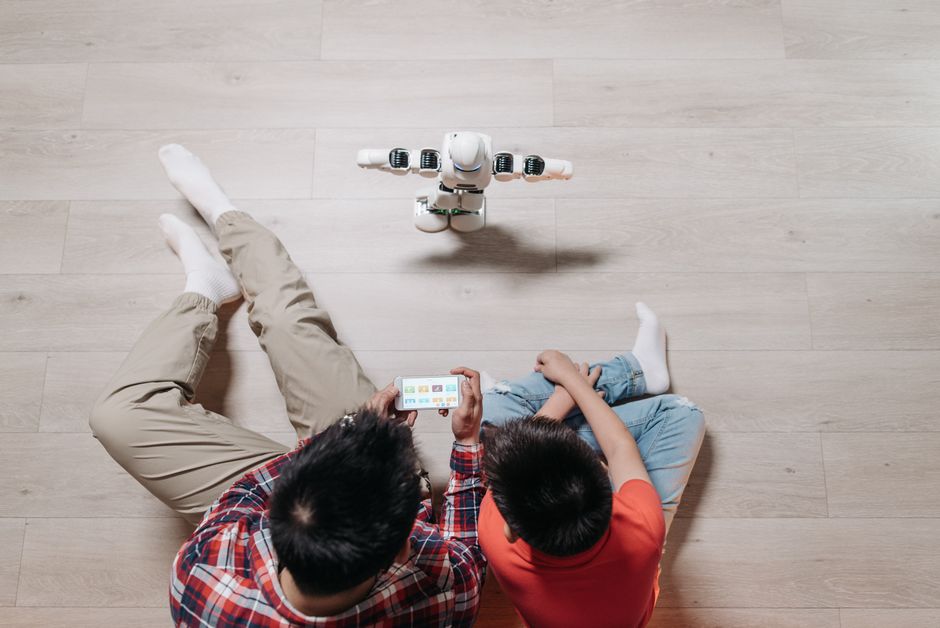
To explain AI to a child, start by naming what it actually is: a computer program that guesses the most likely next word or image based on patterns in a huge pile of text. It is a tool people built, not a person and not a source of guaranteed truth. The words you choose can shift depending on your child's age, but the core idea stays the same across ages 6 to 15: AI can be useful, it makes mistakes, and it is not your friend.
Most parents I talk to worry they will get the explanation wrong or make it scarier than it needs to be. You do not have to be a computer scientist. You need a few honest sentences and a willingness to keep the conversation open. Below are scripts you can borrow, grouped by age, plus the two ideas worth repeating at every stage.
The two anchors: AI is a tool, and AI can be wrong
Before the age-specific scripts, hold onto two anchors.
First, AI is a tool. A calculator, a search bar, and a spell checker are all tools. AI is a newer, chattier one. Framing it this way keeps your child in the driver's seat and pushes back on the pull to treat a chatbot like a companion.
Second, AI can be wrong, and it will sound confident while being wrong. This is the single most protective thing a child can understand. A tool that guesses can guess badly, and it will not tell you when it does.
Keep both anchors in plain words and return to them often. Repetition is how these ideas stick.
Ages 6 to 8: keep it concrete
Young children think in pictures and examples, so skip the abstractions.
Try this: "You know how a toy robot only does what someone programmed it to do? AI is like that, but with words. It read a huge number of books and websites, so it can guess what to say next. Sometimes it guesses right. Sometimes it gets things silly and wrong."
The friend point matters most at this age, because young kids bond quickly. Say it directly: "It can talk to you, but it is not a real friend. It does not know you, and it does not care about you the way I do. If it says something that feels weird or sad, come tell me."
A good conversation starter here is a game. Ask the AI a question you already know the answer to and let your child catch it when the answer is off. Getting to correct the machine takes away its authority in a way a lecture never will.
Ages 9 to 11: introduce "it guesses"
By this age, children can hold the idea that something can be helpful and unreliable at the same time.
Try this: "AI does not look things up the way you'd look in an encyclopedia. It predicts what words usually come next, based on patterns. That is why it can write you a poem in seconds and also make up a fact that sounds completely real. People call that a hallucination."
Give them a rule they can actually use: check anything that matters with a second source. If the AI helps with a history question, they confirm it in a book or a trusted site before they trust it.
This is also the age to talk about what they type in. "Whatever you type goes to a company's computers. So we don't share your full name, our address, your school, or a photo of you. Those are private." Keep it matter-of-fact, not frightening.
Ages 12 to 15: go deeper on bias, privacy, and pressure
Teenagers can handle nuance, and they will spot a lecture from a mile away, so ask more than you tell.
Try this: "AI learned from what people wrote online, and people online are biased, sometimes wrong, and sometimes cruel. So the AI can repeat those patterns without knowing it. When it answers a question about people or history, whose view is it giving you?"
Talk about the emotional pull too. Some tools are built to feel warm and endlessly available, which is exactly why a teen under stress might lean on one instead of a person. Name it plainly: "A chatbot will never be tired of you, but it also cannot actually help you the way a friend or I can. If something is heavy, I want you to come to me or another adult you trust."
And cover the practical stakes: schoolwork, privacy, and what gets kept. "Using AI to think through a problem is different from using it to do your work for you. And anything you type can be stored. Assume it is not private."
Conversation starters that work at any age
A few open questions keep this alive without turning it into a lesson:
- "What did you ask it today? What did it say?"
- "Do you think that answer was right? How could we check?"
- "Did anything it said feel strange or make you uncomfortable?"
- "What is something you could ask a person that you would not ask AI?"
The goal is not a single perfect talk. It is a running conversation where your child knows they can bring you anything the tool says, especially the parts that felt off.
Where the tool itself can help
Scripts do more when the AI your child uses is built to hold the same line you are teaching. A tutor that steers a child toward thinking rather than handing over answers reinforces the "tool, not oracle" message. Sorin is built around that: Privacy Guard strips out identifying details before anything is processed, so your child's name, school, and location are not sitting in a chat log. You get transcripts of what your child asked and how the AI responded, alerts when something needs your attention, and the ability to delete data on your terms. That means the conversation you start at the kitchen table has a matching guardrail on the other side.
If you want the broader picture on risks and how to weigh them, our guide on whether AI is safe for kids walks through it with a checklist you can use tonight.
FAQ
Ready to try Sorin with your child? Get started free →